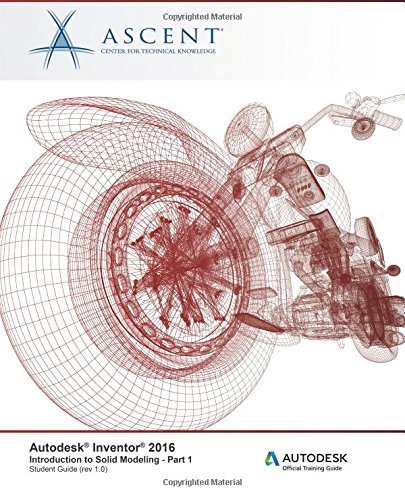

Autodesk Inventor 2016: Introduction to Solid Modeling - Part 1: Autodesk Official Training Guide (AOTG): Volume 1 by Ascent - Center for Technical Knowledge (2015-06-17) by Ascent - Center for Technical Knowledge

Autodesk Inventor 2016: Introduction to Solid Modeling - Part 1: Autodesk Official Training Guide (AOTG): Volume 1 by Ascent - Center for Technical Knowledge (2015-06-17)

Ascent - Center for Technical Knowledge
Jan 2015
Paperback
Default WSBN
0
Readers
0
Reviews
0
Discussions
0
Quotes
This book is continued in Autodesk Inventor 2016: Introduction to Solid Modeling - Part 2. To complete this course, both books are required.The Autodesk Inventor 2016: Introduction to Solid Modeling training guides provide you with an understanding of the parametric design philosophy through a hands-on, practice-intensive curriculum. You will learn the key skills and knowledge needed to design models using Autodesk Inventor, starting with conceptual sketching, through to solid modeling, assembly design, and drawing production.Topics CoveredUnderstanding the Autodesk Inventor software interface Creating, constraining, and dimensioning 2D sketches Creating and editing the solid base 3D feature from a sketch Creating and editing secondary solid features that are sketched and placed Creating equations and working with parameters Manipulating the display of the model Resolving feature failures Duplicating geometry in the model Placing and constraining/connecting parts in assemblies Manipulating the display of components in an assembly Obtaining model measurements and property information Creating Presentation files (Exploded views) Modifying and analyzing the components in an assembly Simulating motion in an assembly Creating parts and features in assemblies Creating and editing an assembly Bill of Materials Working with projects Creating and annotating drawings and views Customizing the Autodesk Inventor environment PrerequisitesAs introductory training guides, Autodesk Inventor 2016: Introduction to Solid Modeling does not assume prior knowledge of any 3D modeling or CAD software. Students do need to be experienced with the Windows operating system and a background in drafting of 3D parts is recommended.
Join the conversation

No discussions yet. Join BookLovers to start a discussion about this book!

No reviews yet. Join BookLovers to write the first review!

No quotes shared yet. Join BookLovers to share your favorite quotes!

Earn Points
Your voice matters. Every comment, review, and quote earns you reward points redeemable for Bitcoin.
Comment +5 pts Review +20 pts Quote +7 pts Upvote +1 pt
BookMatch Quiz
Find books similar to this one
About this book
Published 2015
Readers 0