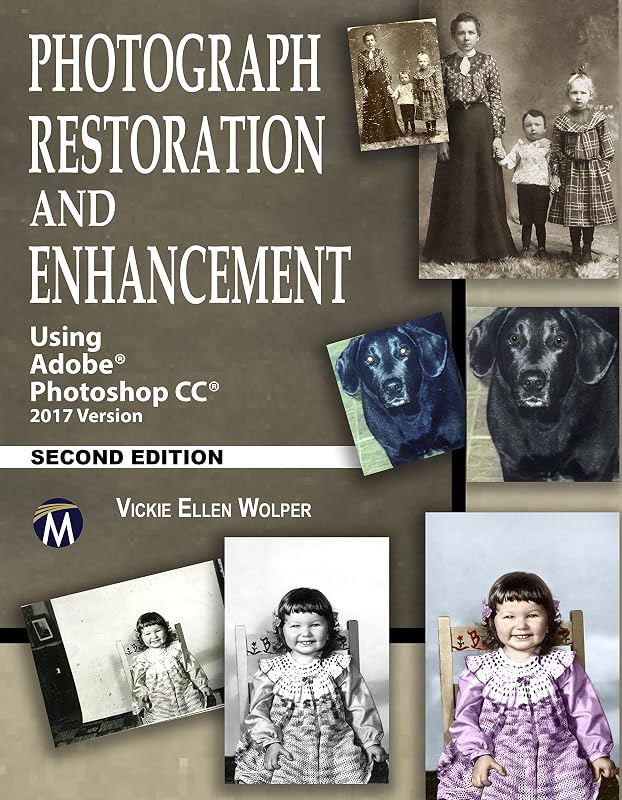
While focusing on Photoshop CC 2017, this book offers users of all versions of Photoshop comprehensive projects that will guide them through the process of creating professional restorations and enhancements. Whether you are new to Photoshop or an experienced user, this book and its companion videos and projects will teach you to repair all types of photograph damage, multiple ways to improve discolored photographs, a variety of ways to digitize photographs too large to scan, create the highest quality images at manageable file sizes, colorize black and white photos, and how to add and remove content from your photographs. This building-block style book is packed with inventive, easy to apply photograph restoration and tonal correction techniques for returning cherished memories back to their original grandeur, and enhancement tips for converting digital and print photographs into treasured favorites. . Key Features+Companion files with projects from the text and seven demonstration videos on how to perform key restoration and enhancement techniques: Using the Quick Mask mode, the Layer via Copy command, the Polygonal Lasso tool, the Clone and Patch tools, the Liquify filter, plus multiple ways to repair Red-Eye, and how to redo areas of your restoration (Companion files are available for downloading with Amazon order number by contacting the publisher by writing to:
[email protected]) +Hands on projects provided with each chapter, specifically tailored to reinforce the tools and techniques introduced in the chapter+Includes colorizing of black and white photographs+Packed with Photoshop quick tips for efficiency and accuracy. Brief Table of ContentsPart One: Preparing Your Photographs for Restoration and Enhancement. 1: Readying an Image for Adobe Photoshop. 2: An Introduction to Working in Photoshop. 3: Selection. 4: Working in Layers. 5: Transformation Essentials. 6: Painting and Printing. Part Two: Restoring and Enhancing Your Photographs. 7: Repairing Tears, Folds, and Holes. 8: Repairing Minor Surface Flaws. 9: Correcting Lighting, Contrast, and Discoloration. 10: Enhancing Photographs by Adding, Deleting, Replacing, and Blurring Content. 11: Tricks and Trade Secrets. 12: Conquering Special Challenges. 13: Putting It All Together: Applying Your Skills to Complex Restoration and Enhancement Projects. Index. . On the Companion Files(Available for downloading by contacting the publisher by writing to:
[email protected]) * Photographs to complete all projects covered in the text* Extra Try It Yourself Projects for each chapter* Copies of all figures used in the text* 7 Demonstration videos. About the AuthorVickie Ellen Wolper has been using Adobe Photoshop professionally since 1990, with her photograph restoration expertise featured in Yankee Magazine and on the television series, Chronicle. Currently a higher education instructor specializing in Photoshop, she has built a reputation for teaching complex computer graphic programs.