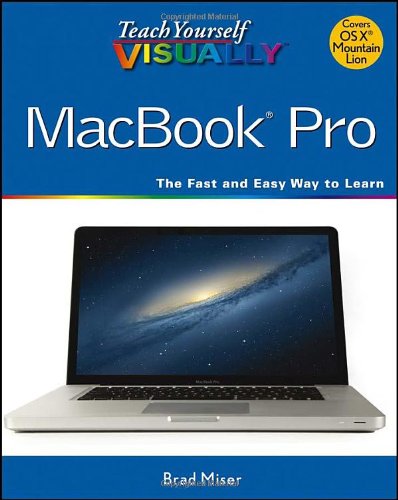
Quickly get up to speed on your MacBook Pro This handy resource is not only visually appealing but offers excellent step-by-step guidance to your MacBook Pro. Following the illustrated instructions will empower you to accomplish everyday tasks quickly and easily. The book covers the basics such as powering on or shutting down the MacBook Pro and working on the Mac desktop with the new Mission Control and Launchpad--to downloading applications with the Mac App Store, running Windows applications, and more. Use this clear, visual guide and quickly learn the ins and outs of your MacBook Pro. Covers new hardware updates, Mac OS X Lion, iLife, iTunes, and more Shows you how to work on the desktop, configure widgets on the dashboard, run Windows applications, and do your own troubleshooting Teach Yourself VISUALLY MacBook Pro offers fully illustrated instructions for learning how to use your MacBook Pro to its full potential.