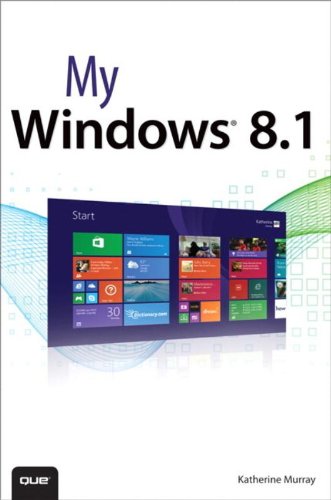
My Windows® 8.1 Step-by-step instructions with callouts to Windows 8.1 photos that show you exactly what to do. Help when you run into Windows 8.1 problems or limitations. Tips and Notes to help you get the most from your Windows 8.1 computer. Full-color, step-by-step tasks walk you through getting and keeping your Windows® 8.1 computer working just the way you want. Learn how to • Master Windows innovations you like, and keep the older techniques you’re comfortable with • Adjust the Start screen so it works the way you want (not the other way around!) • Get more productive with touch gestures, live tiles, and Charms • Browse the Web faster and easier with Internet Explorer 11 tabbed browsing • Find, download, install, and work with the best new Windows Store apps • Copy, move, and share files using File Explorer • Use the built-in Skype app to make super-easy free video calls • Master the major improvements in Windows 8.