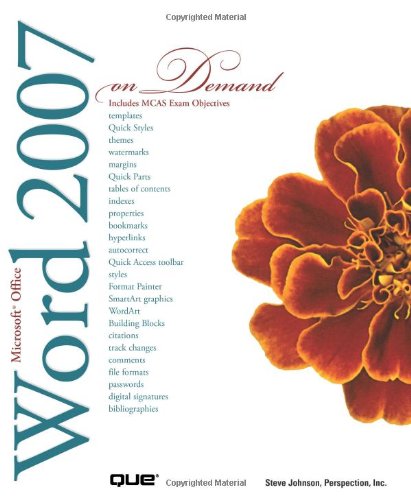
See How To • Create documents more efficiently using a new results-oriented interface • Use formatting, editing, reviewing, and publishing tools to create documents in print and online • Create great-looking documents faster using themes, styles, and templates • Organize information and add impact with clip art, SmartArt diagrams, tables, and charts • Create customized letters, labels, and envelopes • Use the Full Reading view to comfortably read documents on screen • Use the Outline and Draft views to develop your documents • Use Groove and SharePoint Team Services to collaborate and share documents and information • Prepare for the Microsoft Certified Applications Specialists exam This book uses real-world examples to give you a context in which to use the task.