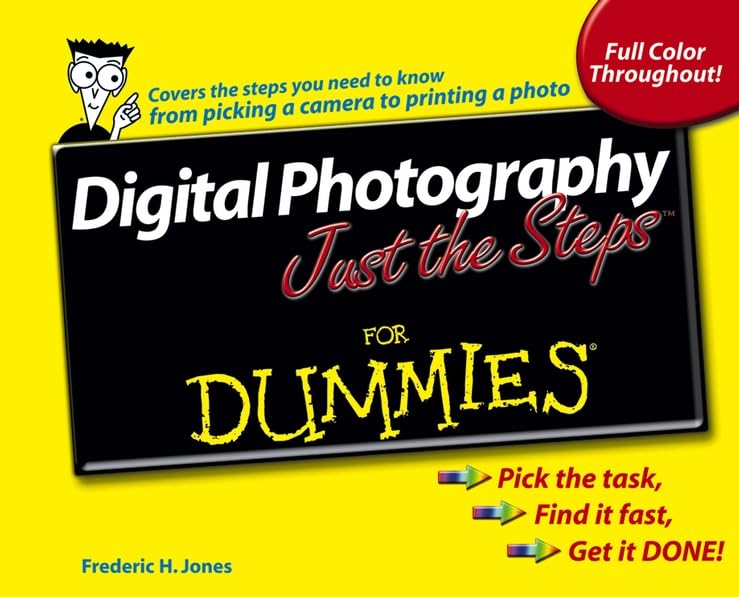
Digital Photography Just The Steps For Dummies
Frederic H. Jones
Digital photography is sweeping the country, and it's easy to see why. You can take pictures of anything, do it quickly, see instantly what you got (or didn't get) , save only the stuff you like, and share your pictures as prints, on the Web, as a slideshow, or even on things like mugs and mousepads. A digital camera and the appropriate software let you * Take wide-angle or closeup shots, indoors or out
* Know immediately whether you got what you wanted
* Delete shots you don't like and retake them
* Improve your images on your computer
* Combine images into a montage
* Customize your pictures by adding special visual effects
Digital photography is fun, but whether you're an old hand at taking digital pictures or still picking out your first camera, there are plenty of times when you know what you want to do and just want to figure out how to do it, right now. That's exactly what Digital Photography Just the Steps For Dummies helps you do. It's designed so you can quickly find the task you want to perform and follow step-by-step instructions to get the job done, right now. Loaded with full-color photos to show you what you can do, Digital Photography Just the Steps For Dummies helps you
* Choose the camera, lenses, and flash equipment that are best for the type of photography you want to do
* Compose good pictures regardless of your subject
* Scan and digitize existing photos so you can enhance or repair them
* Change the size or format of an image
* Adjust color, brightness, contrast, sharpness, and other attributes of a digital image
* Repair tears, creases, or scratches in a scanned photo, remove red-eye, and restore a faded image
* Use layers to alter an image, add text, or change the background
* Photograph items you want to sell online to show them at their best
* Sort and organize photos on your computer
* Print picture albums, make photo T-shirts, create a slideshow, or burn a video CD
When you're looking for a clear set of instructions so you can get results right away, you want a Just the Steps For Dummies book. With Digital Photography Just the Steps For Dummies, you'll find everything quickly comes into focus!
Read more Continue reading Read less FROM THE BACK COVER
Easy steps and full color photos help you take and print great shots. Simple steps for great results . . .
Change a Photo to a Colored Pencil Drawing
1. With an image open in Adobe Photoshop Elements, choose Filter - Artistic - Colored Pencil. The Colored Pencil dialog box opens, as shown in Figure 10-5.
2. Experiment until you achieve the desired effect in the sample window. The options are...
3. Click OK to apply the effect to the photo, as shown in Figure 10-6.
Using artistic effects is a wonderful way to create paintings and drawings, even if you are not a graphic artist. In addition to the digital effects, the choice of paper and printing technique you use can add quality to the finished product.
Get Ready to:
* Compare camera features
* Compose shots like a pro
* Take great photos for eBay auctions
* Transfer images to your computer
* Enhance and repair photos
* Share prints or electronic images
ABOUT THE AUTHOR
Frederic Jones, PhD, (Masters at FST/GTU, Masters/PhD(ABD) at Florida State Univ., PhD at International College) , is an experienced multimedia artist, filmmaker, and author. He has written over 30 books including: How to do Everything with Digital Video (McGrawHill) and Desktop Digital Video (PrenticeHall) , Sing to the Lord a New Song: Contemporary Songs, Rituals and Liturgy (Judith Jones, co-author, Speak from the Heart Press) . He co-authored and produced, with Judith Jones, Beyond Time, a major CD-ROM game published by Virgin Interactive which sold over 400,000 copies worldwide. He has written, animated, and produced several international hit interactive CD-ROM children's titles. He produced a number of videos for a wide variety of clients including: Herman Miller Corporation, Westinghouse, Lightolier, and so on. He is also a Christian pastor. Read more Continue reading Read less